

-



Ultimate Computer Lab: Revisited
Designing this updated version of the Ultimate Computer Lab really made me think about what my students actually need day to day. With the new fifty thousand dollar budget, I had to look closely at what would make the biggest impact and what my students would genuinely use. Even with the cut, the heart of…
-
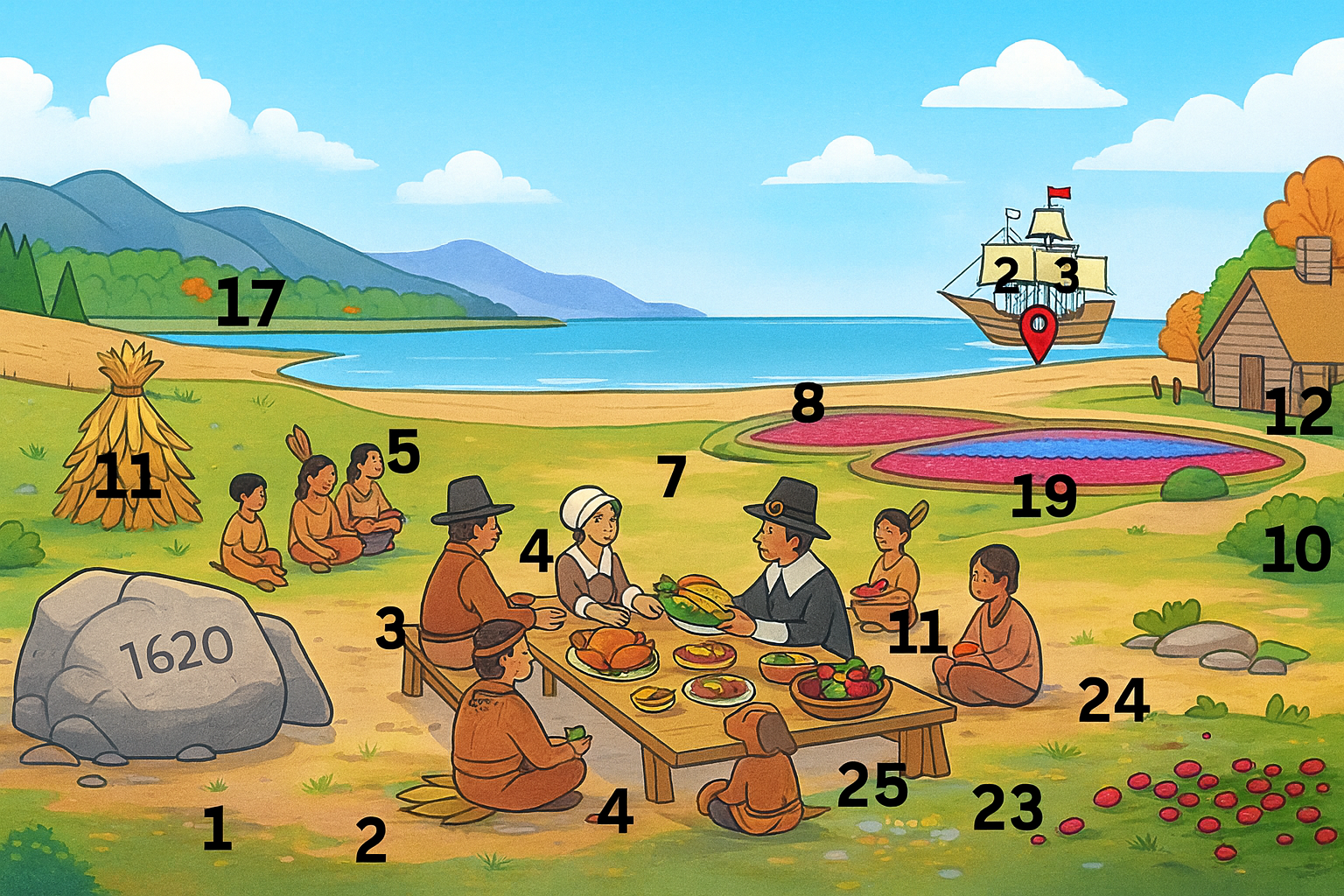
Interactive Hotspots
Exploring Symbolism in “The Lottery” Through Interactive Hotspots Designing meaningful online learning experiences has become a natural part of my teaching as a virtual middle school educator. For this module, I created an interactive learning object that supplements the VR and AR work I proposed in Module 7. The goal was to design something that…
-

Augmented and VIrtual Reality in Schools
Using augmented reality and virtual reality in the ultimate computer lab Virtual and augmented reality are no longer just futuristic ideas. They are powerful instructional tools that give students access to learning experiences they would never be able to have inside a traditional classroom. In a previous post, I discussed creating the ultimate computer lab.…
-

Mining Instagram for Professional Learning
Social media has evolved from a casual communication space into one of the most dynamic platforms for professional growth. Educators, instructional technologists, and administrators increasingly turn to platforms like Instagram to share strategies, learn new tools, and connect with others who share similar goals. This process, known as social media mining, involves searching, analyzing, and…
-

Tools for Productivity
Productivity and Feedback Efficiency As a virtual teacher, I spend a large portion of my day providing feedback on student writing. Productivity for me is not just about saving time but about freeing up mental energy to focus on quality feedback. Using tools that streamline grading, reduce repetitive tasks, and make feedback more interactive has…
-
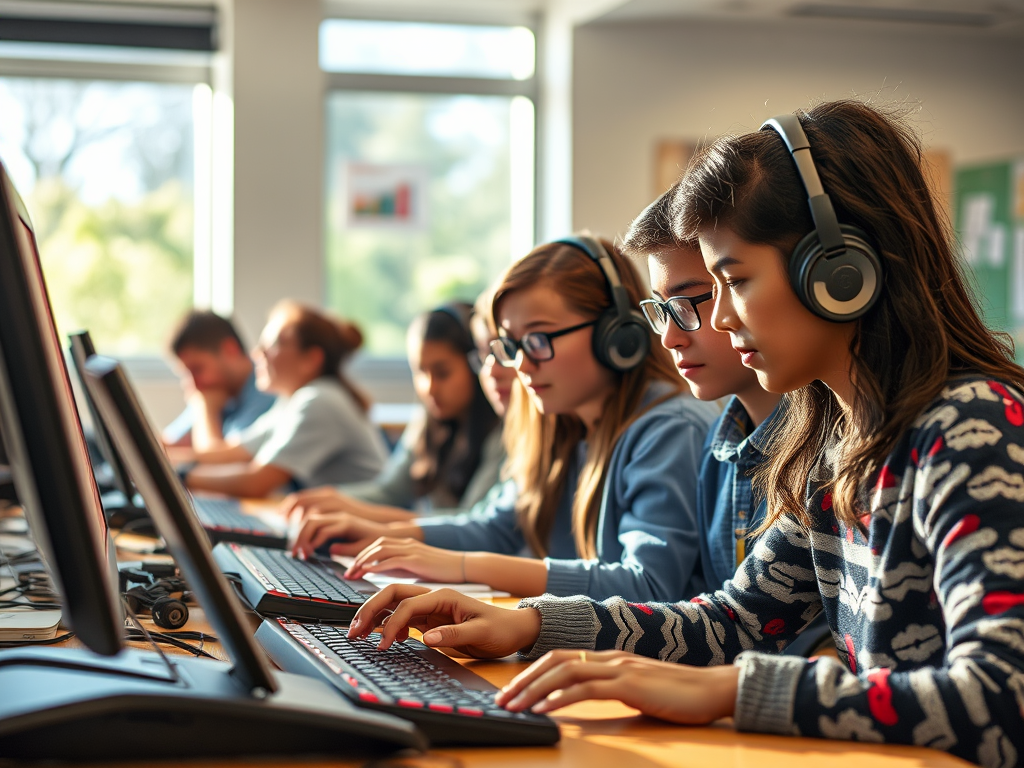
Improving Accessibility: Small changes that can make a big impact
Introduction For a technology class, I recently reviewed accessibility features in Microsoft Word and practiced editing a document to meet accessibility standards. The activity required me to identify and correct barriers in a simulated learning object titled “Orchards and Vineyards.” As I reviewed and made edits, I realized that I already use some of these…
-
Ultimate Computer Lab
As a virtual educator, I do not often get to see or design in-person learning spaces, which makes this project especially exciting. In my virtual environment, I see students thrive when they have the flexibility to learn in different ways. Some sit at a desk, others on a couch, and some, even to my dismay,…